
Photo-to-cartoon conversion
Transform portraits, pets, products, and scenes without drawing them manually.
Turn a photo into a cartoon online with AI. Create editorial, soft 3D, comic, or sticker-style artwork while preserving the person, pet, product, or scene.
 01
01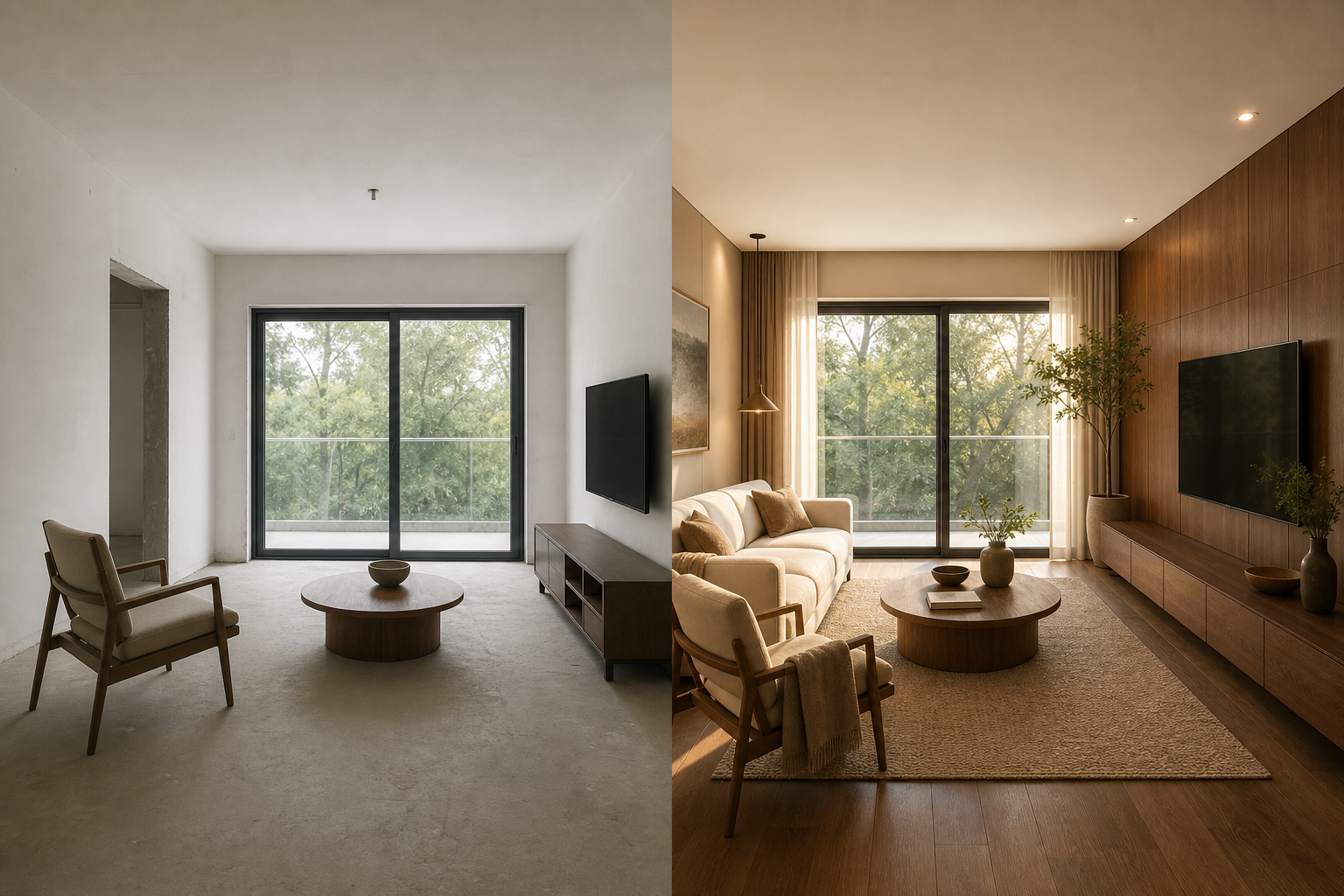 02
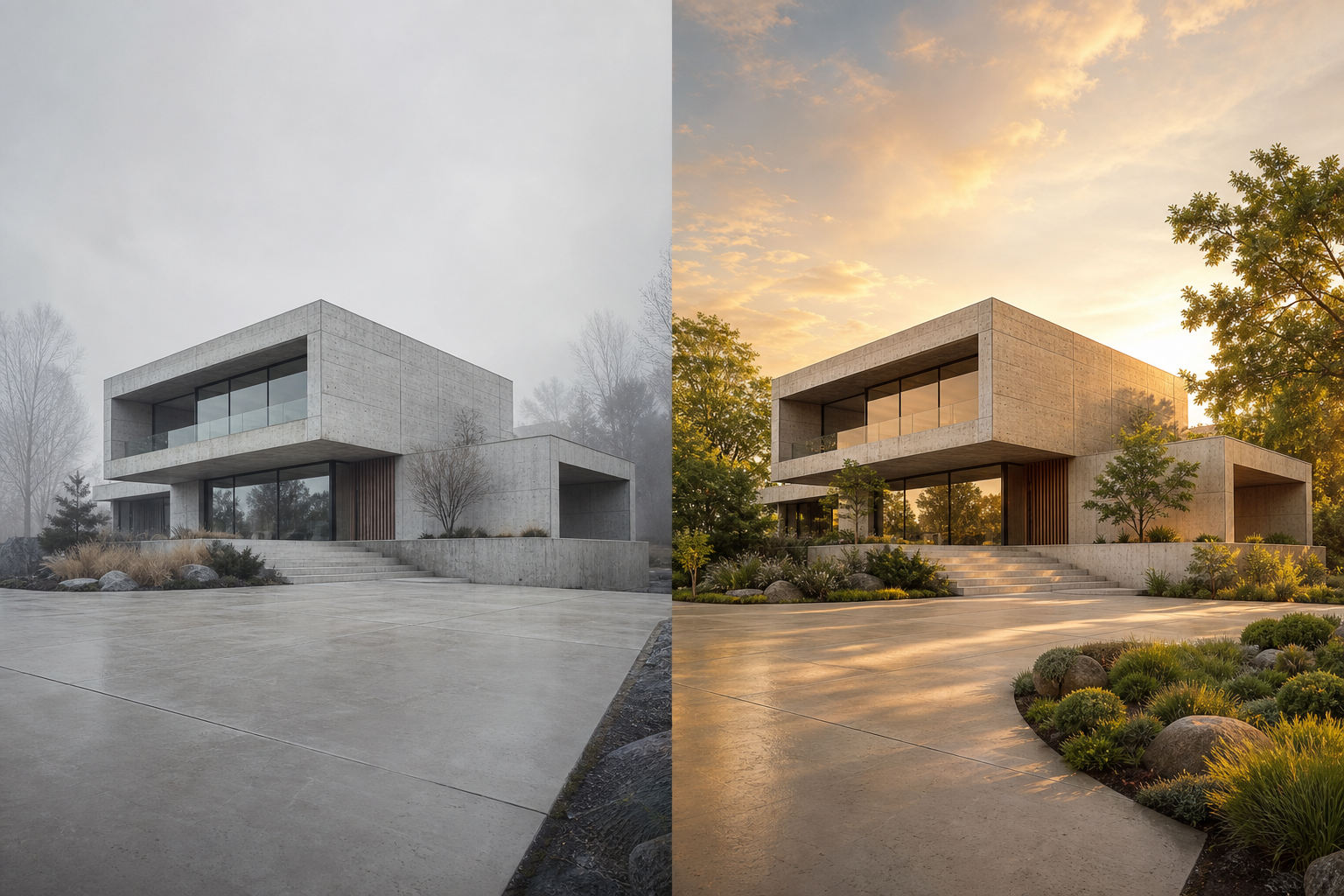
02An AI cartoon generator from a photo uses the uploaded image as a reference, then redraws its subject with simplified shapes, intentional line work, stylized color, and controlled dimensionality. The result can keep a recognizable likeness while changing the visual medium.
Transform portraits, pets, products, and scenes without drawing them manually.
Choose flat editorial, soft 3D, bold comic, or sticker-like visual directions.
Adjust stylization strength to balance subject identity with expressive cartoon design.
Use one focused workflow instead of a complicated editing suite.
Create a distinctive illustrated avatar.
Turn a favorite pet photo into character art.
Produce original illustrated social and campaign assets.
Choose a recognizable source.
Select line, color and depth treatment.
Translate the source into original cartoon art.
Adjust strength to balance likeness and stylization.
Use a sharp photo with a clear face, pet, product, or primary subject.
Choose one cartoon treatment and describe line weight, palette, and shading consistently.
Reduce stylization if facial likeness or product shape begins to drift.
The workflow uses the source as a structural and identity reference.
Yes. The planned modes include editorial, dimensional, comic and sticker treatments.
Upload the photo, choose a cartoon treatment, generate the transformation, and adjust strength if you need more likeness or more stylization.
The source image guides identity and structure, although clear facial detail and a focused subject improve consistency.
The current directions include flat editorial, soft 3D, bold comic, and sticker-style treatments.