
2×, 3×, and 4× output
Choose a scale that fits web publishing, presentation, print, or production needs.
Upscale images online by 2×, 3×, or 4× with AI. Increase resolution, recover edges and texture, and prepare photos or artwork for screens and print.
 01
01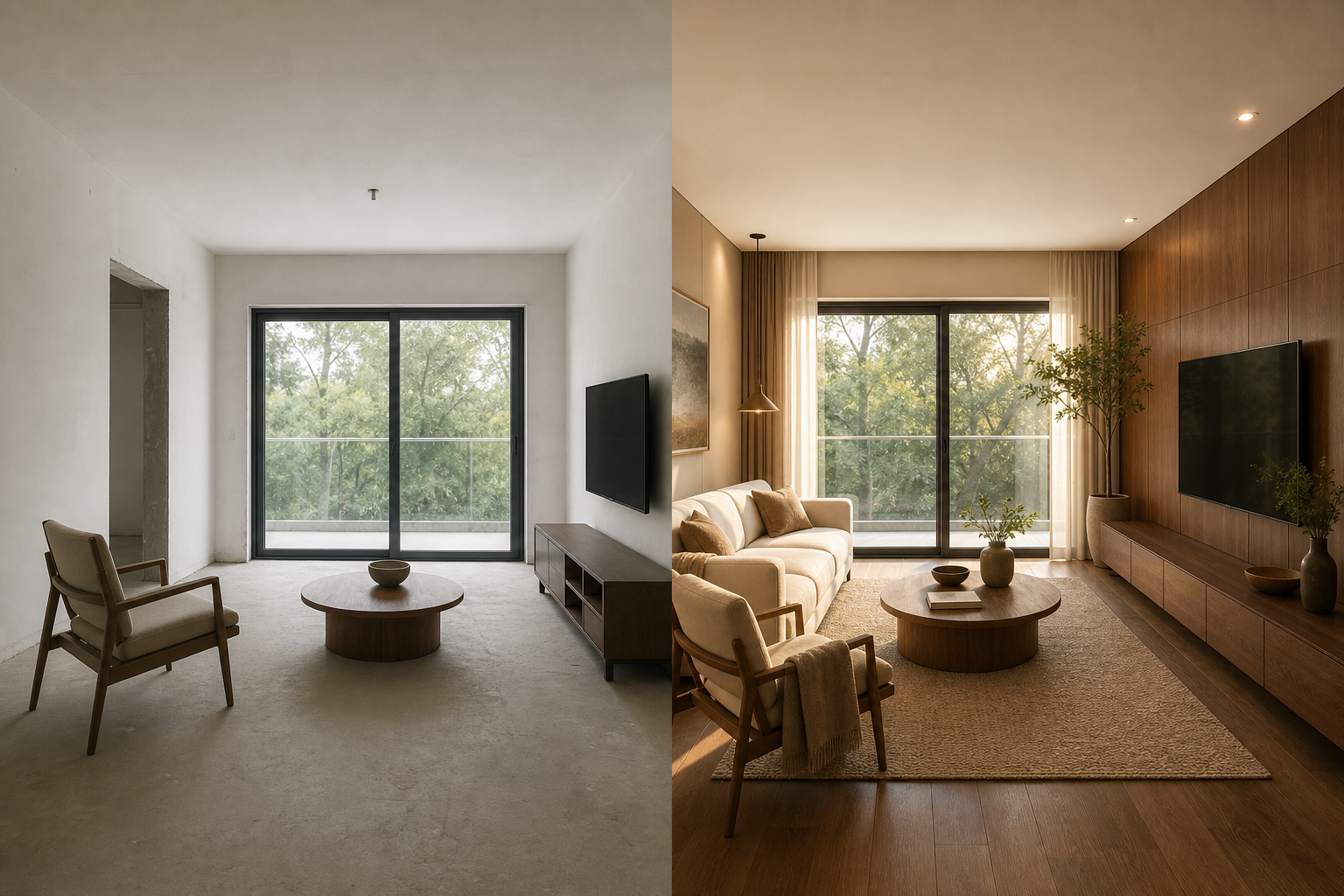 02
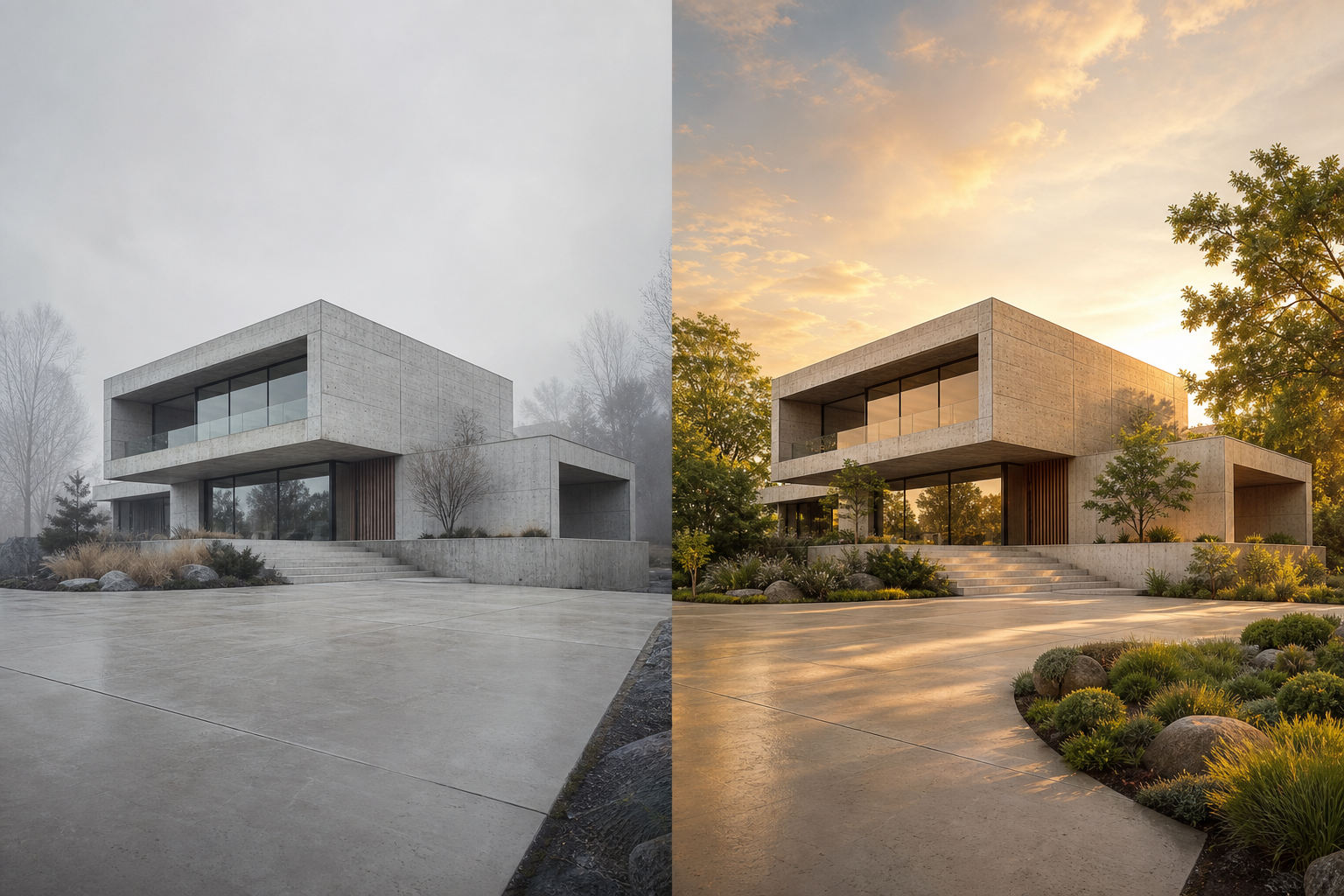
02An AI image upscaler increases pixel dimensions while estimating useful edge, texture, and surface detail. Unlike basic resizing, it attempts to create a clearer high-resolution result instead of stretching the same pixels.
Choose a scale that fits web publishing, presentation, print, or production needs.
Improve soft edges, compressed textures, illustration lines, and small visual features.
Balance sharpness and noise to avoid an over-processed or artificial result.
Use one focused workflow instead of a complicated editing suite.
Prepare small images for posters and displays.
Scale illustrations while retaining clean edges.
Improve soft or pixelated source material.
Choose a JPEG, PNG or WebP image.
Pick 2×, 3× or 4× output size.
Recover detail while increasing resolution.
Download the production-size result.
Start with the cleanest source available; upscaling cannot fully recover information that never existed.
Use 2× for natural photo detail and larger factors when output dimensions matter more.
Inspect faces, text, logos, and repeating patterns at 100% before exporting.
AI upscaling estimates useful detail instead of only stretching existing pixels.
Use 2× for natural detail, 3× for flexible production and 4× when output size matters most.
It can improve perceived clarity and edge detail while increasing resolution, although results still depend on the source image.
A 4× upscale may reach or exceed 4K dimensions depending on the original width and height.
Yes, when the final pixel dimensions and print DPI are suitable and the generated detail has been reviewed.