
Prompt-generated scenes
Describe a studio, seasonal, lifestyle, office, travel, or imaginative background.
Change an image background online with AI. Describe a new studio, lifestyle, office, outdoor, or creative scene while preserving the foreground subject.
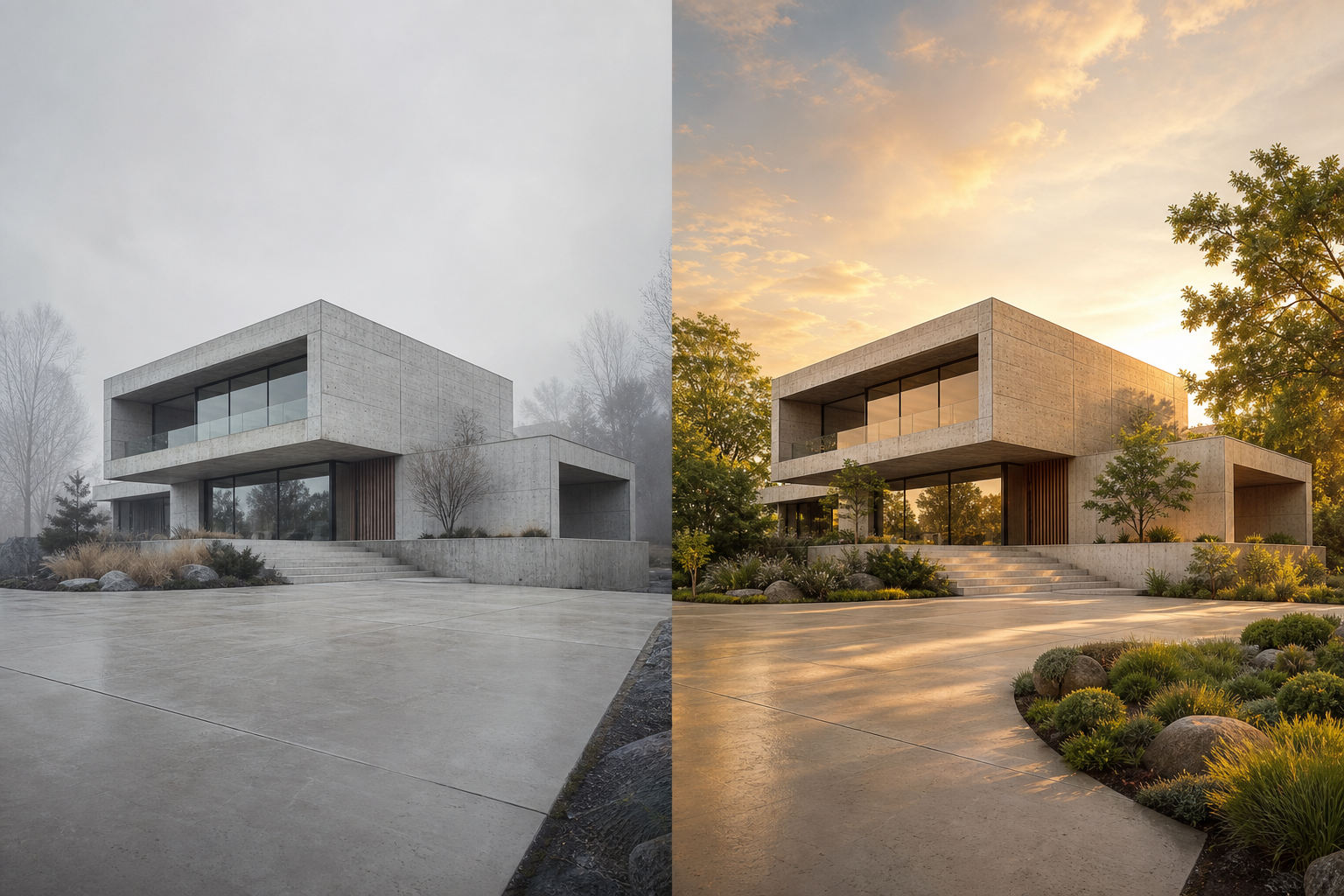 01
01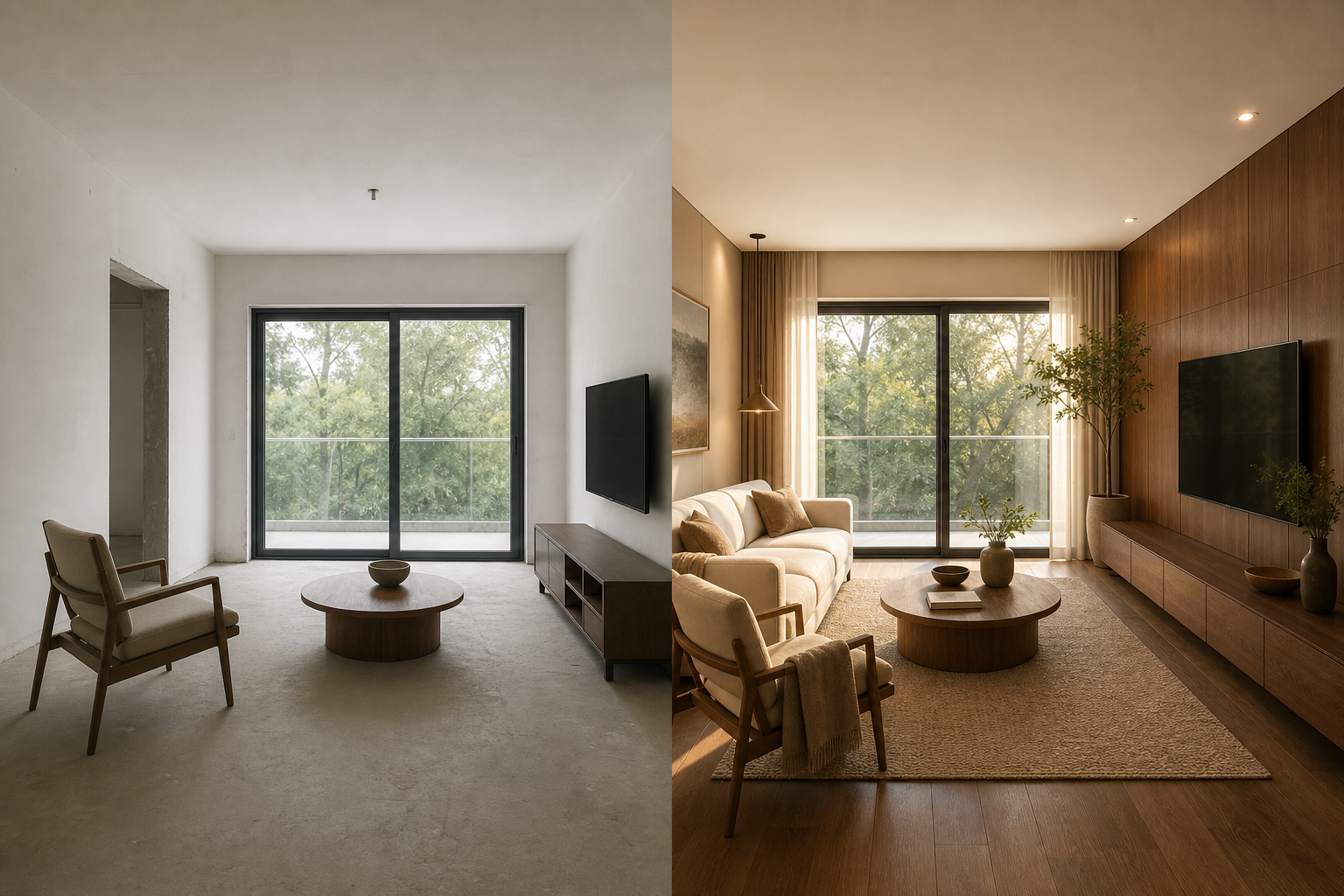 02
02An AI background changer removes or rebuilds the area behind a subject, then generates a new environment from your text prompt. A convincing result must align the new scene with the subject edges, camera angle, scale, shadows, and lighting.
Describe a studio, seasonal, lifestyle, office, travel, or imaginative background.
Keep the person or product recognizable while changing only the surrounding environment.
Guide perspective, light direction, color temperature, and depth for a coherent composite.
Use one focused workflow instead of a complicated editing suite.
Move products into seasonal or lifestyle environments.
Create office, studio or outdoor backgrounds.
Place a subject in an imaginative but coherent world.
Choose the source photo.
Write the new background and lighting.
Match the subject to the generated environment.
Review edges and download the composite.
Describe the location, time of day, light direction, and camera perspective.
Use a source with a clear subject boundary and natural resolution.
Ask for contact shadows or reflected light when placing products into realistic scenes.
Describe light direction, lens perspective and environment, and use a source with a clearly separated subject.
The tool is designed to preserve the foreground subject while replacing its surroundings.
Yes. Upload the source image and describe the replacement environment in plain language.
Match camera angle, focal length, light direction, color temperature, scale, and contact shadows to the original subject.
The workflow is designed to preserve the foreground, but precise prompts and clear edges improve consistency.