
Clarity and noise balance
Recover readable detail while avoiding excessive sharpening and crunchy texture.
Enhance image quality online with AI. Improve sharpness, exposure, color, noise, low-light detail, and portrait clarity while keeping the photo natural.
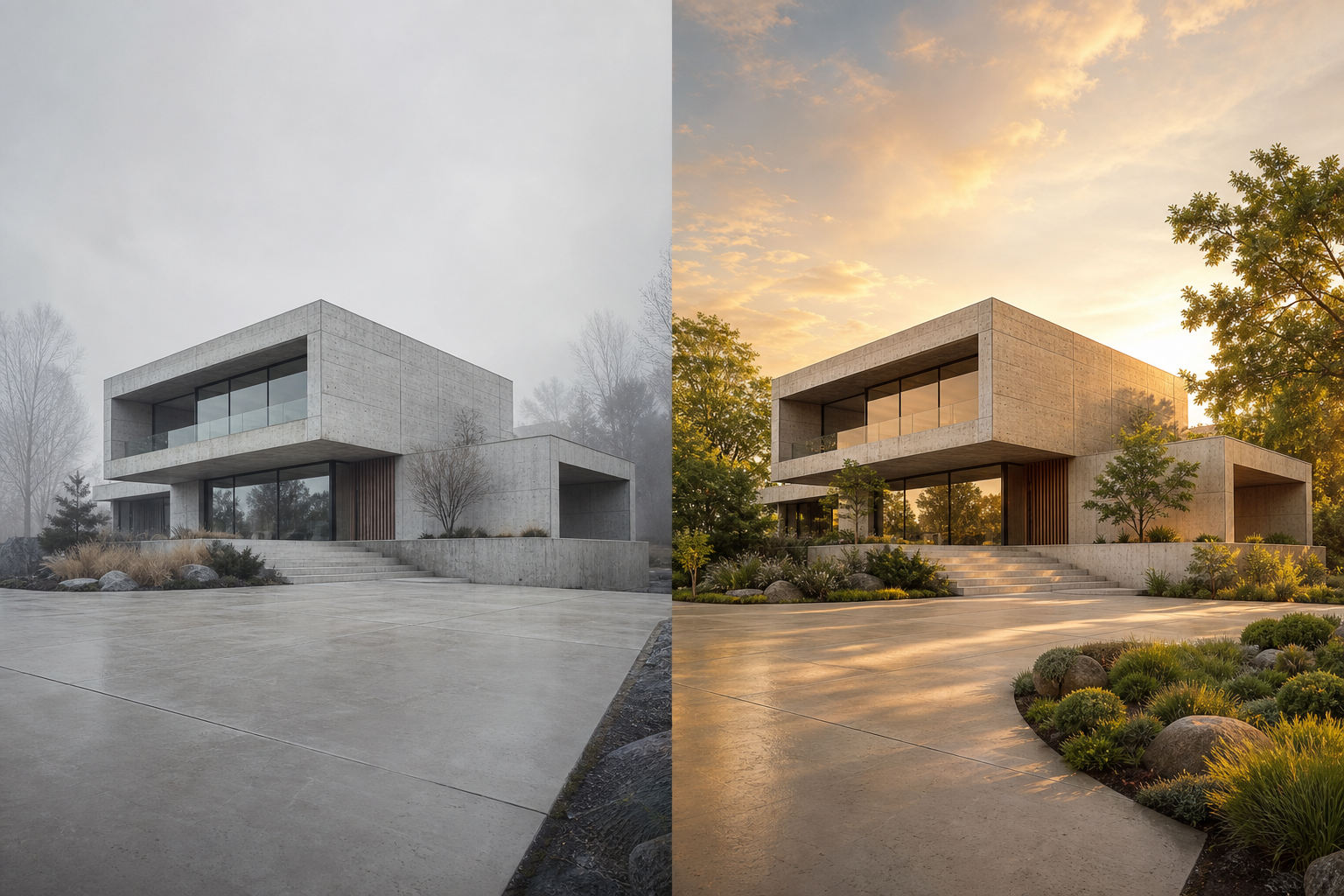 01
01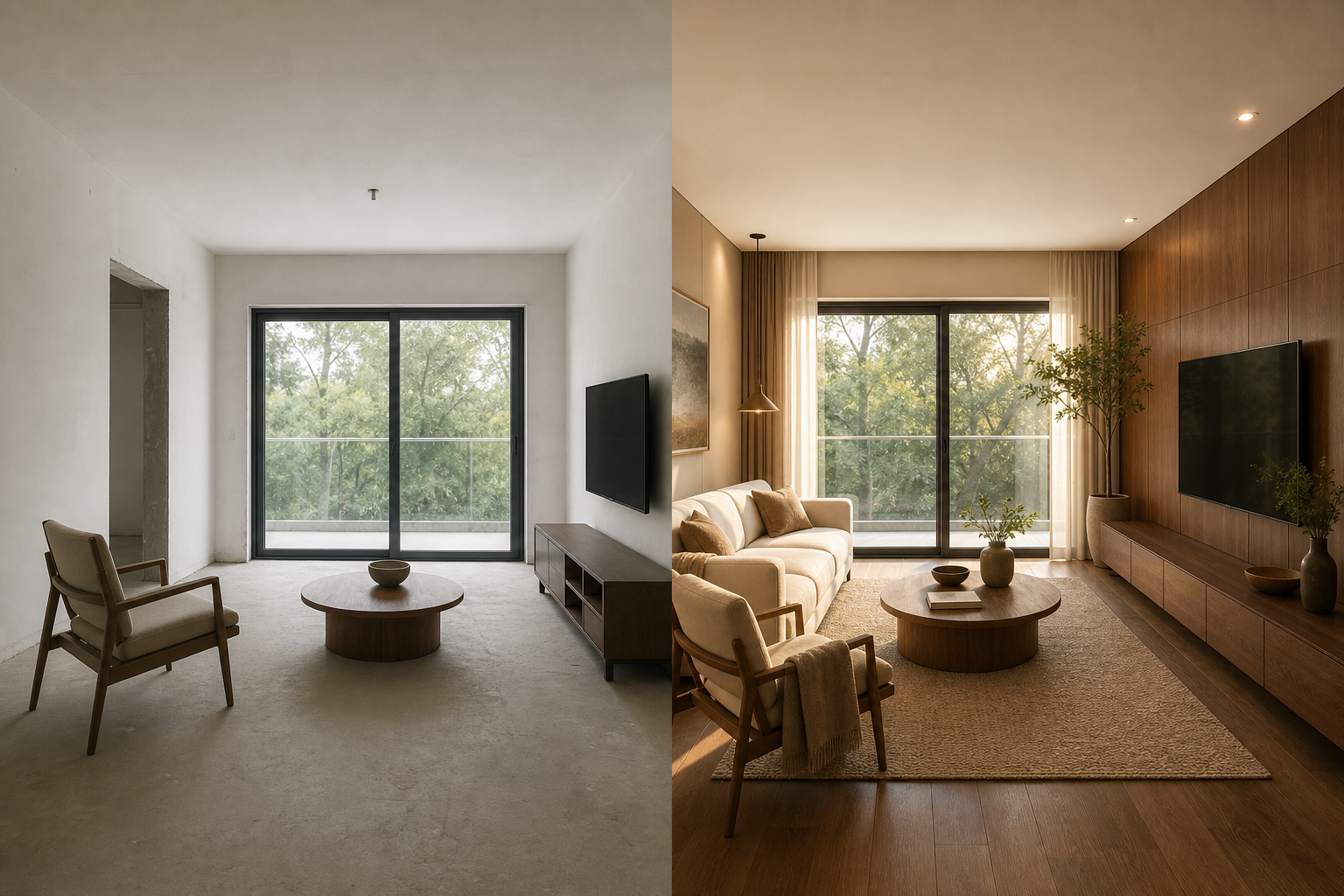 02
02An AI image enhancer improves the perceived quality of an existing image by balancing sharpness, noise, exposure, color, and local detail. It is intended to produce a cleaner photo without changing its underlying subject or composition.
Recover readable detail while avoiding excessive sharpening and crunchy texture.
Improve low-light scenes, muted contrast, white balance, and uneven color.
Refine facial and hair detail while protecting natural skin texture.
Use one focused workflow instead of a complicated editing suite.
Recover balanced exposure and usable detail.
Improve clarity without plastic skin.
Prepare clean, consistent images for publishing.
Choose a photo or artwork.
Target general, portrait, low-light or color issues.
Balance detail, noise and tone.
Use the before-and-after view to verify the result.
Choose the enhancement mode that matches the main defect instead of applying every correction.
Review skin, skies, shadows, and fine patterns for halos or over-processing.
Use the image upscaler afterward only if larger pixel dimensions are also required.
Enhancement improves perceived quality; upscaling primarily increases pixel dimensions.
The portrait mode is designed to preserve natural skin texture and avoid aggressive sharpening.
It can improve perceived sharpness, noise, exposure, color balance, low-light detail, and portrait clarity.
No. Enhancement improves visual quality, while upscaling primarily increases pixel dimensions and may also recover detail.
It can improve mild softness and motion blur, but severe blur or missing focus cannot always be recovered accurately.