
Text-to-image control
Direct the subject, camera, setting, palette, lighting, and mood in natural language.
Create original images from text prompts online. Choose an AI model, aspect ratio, and output count, then generate high-resolution visuals for creative work.
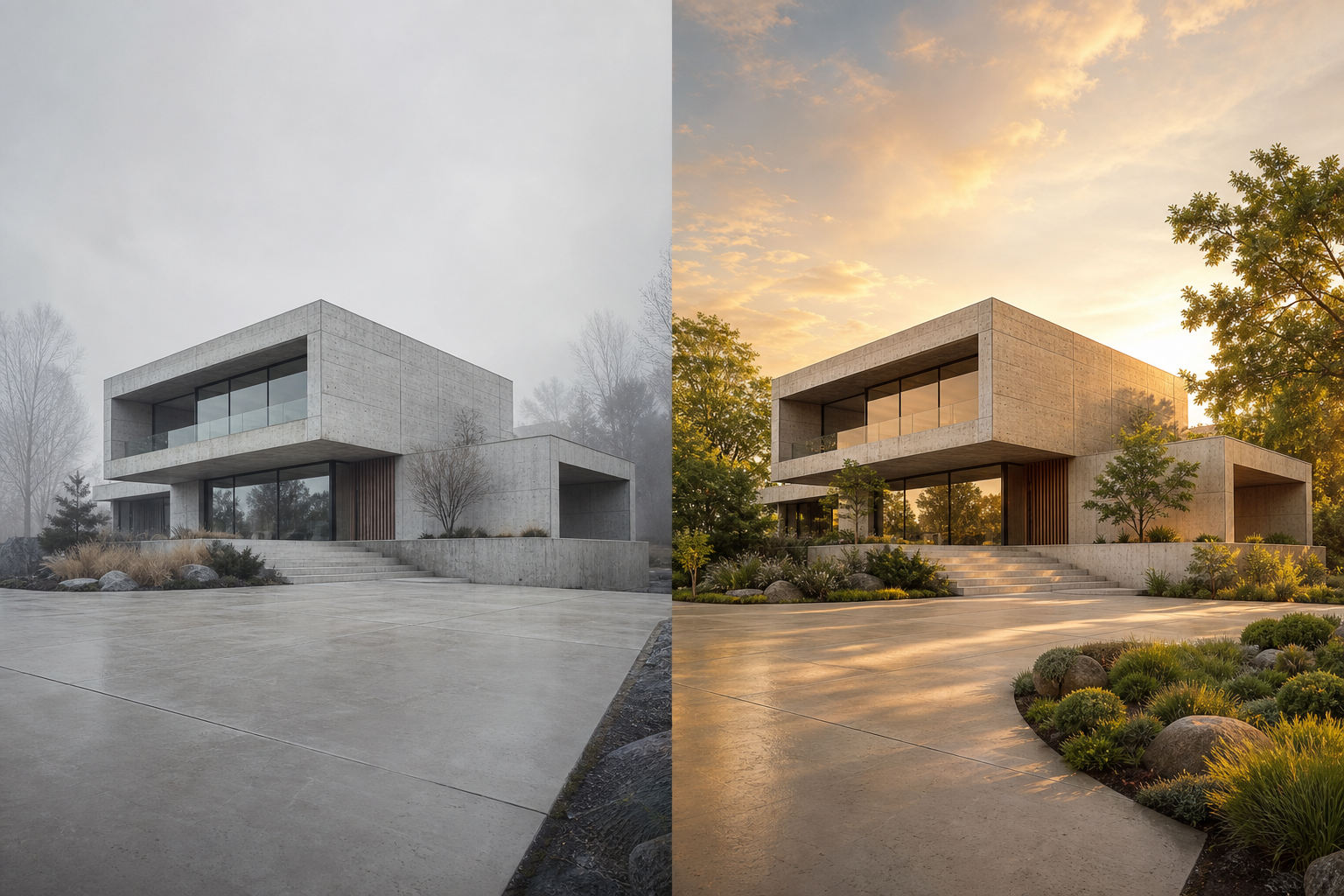 01
01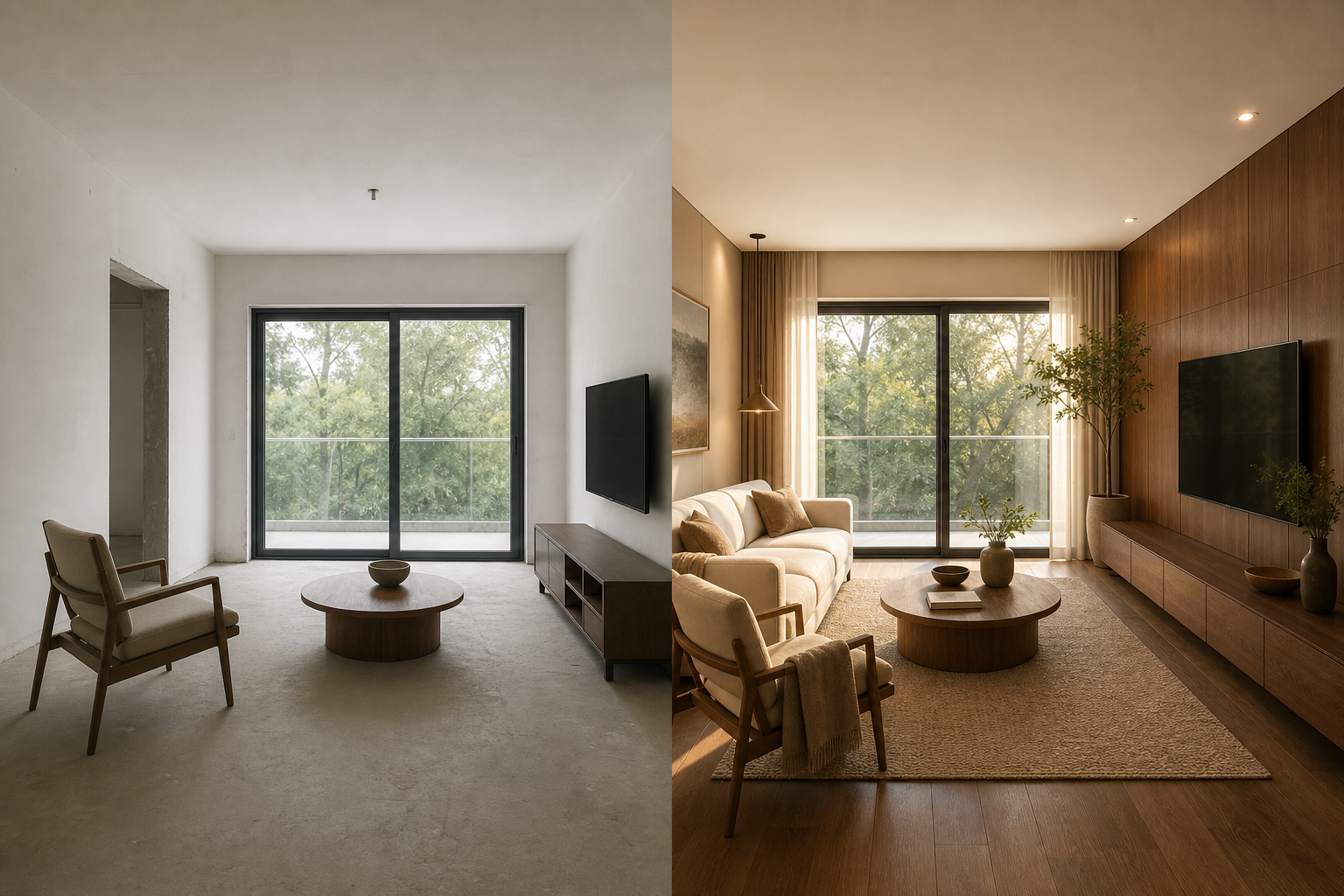 02
02An AI image generator from text converts a written description into a new visual. Instead of editing an uploaded source, the model interprets the subject, setting, composition, lighting, materials, and style in your prompt to build an image from scratch.
Direct the subject, camera, setting, palette, lighting, and mood in natural language.
Balance speed, resolution, instruction following, and credit cost for each project.
Choose an aspect ratio and output count for social, product, editorial, or concept work.
Use one focused workflow instead of a complicated editing suite.
Explore visual directions before production.
Create original campaign and social media visuals.
Place a product idea in a realistic context.
Describe the subject and visual direction.
Set model, ratio and output count.
Create and compare image variations.
Export the strongest result for your project.
Lead with the main subject and action before adding visual details.
Describe lighting, lens, composition, and medium instead of listing vague quality words.
Generate a focused first version, then refine one variable at a time.
Name the subject, setting, medium, light, composition and mood in clear language.
Credit-based exports are designed for commercial use, subject to provider terms and rights in your prompt inputs.
Yes. This page starts from a written prompt and does not require an uploaded reference image.
Use square for versatile assets, portrait for people and posters, and landscape for scenes, banners, or presentations.
Different models vary in resolution, prompt adherence, visual character, generation time, and credit cost.